Claude AI Ends Excel Formula Panic
For decades, Microsoft Excel has been one of the most powerful tools in the world—and one of the most intimidating. It runs small businesses, household budgets, nonprofit organizations, and side hustles. It tracks payroll, monitors expenses, forecasts revenue, and calculates taxes. Yet for many people, opening a spreadsheet feels less like gaining control and more like stepping into a maze of confusing formulas and mysterious error messages.
Most people do not struggle with ideas. They struggle with execution. They know what they want to calculate. They know what they want to track. What they do not know is how to translate that idea into formulas, pivot tables, conditional formatting, or structured financial models. As a result, spreadsheets often become static records instead of living decision-making tools.
That gap between intention and execution is where Claude in Excel changes the equation.
What Is Claude in Excel?
In early 2026, Anthropic released Claude as an official add-in for Microsoft Excel, placing an AI assistant directly inside your spreadsheet. Instead of searching online for tutorials or copying data into external chat tools, you can now type what you need in plain English into a sidebar within Excel itself. Claude reads your workbook, understands how sheets connect, and performs tasks directly inside the file.
The shift is subtle but powerful. You are no longer fighting Excel's interface or memorizing formulas. You are having a conversation with your data.
This conversational layer removes a major psychological barrier. Excel stops feeling like a technical skill reserved for accountants and analysts and becomes a collaborative tool that responds to your questions.
Turning Confusion Into Clarity
One of the most immediate benefits of Claude in Excel is explanation. Many people inherit spreadsheets from colleagues, accountants, or even their own past work. They click on a cell and see a long formula referencing multiple tabs and dozens of cells. It works, but no one remembers why.
Instead of manually tracing every reference, you can ask Claude what the formula does. It breaks down the logic in everyday language and identifies the cells involved. What once required careful detective work now takes seconds.
This clarity is not just convenient. It restores confidence. When you understand how numbers are calculated, you are more willing to update them, test scenarios, and improve your system rather than avoiding it.
Fixing Errors Without the Panic
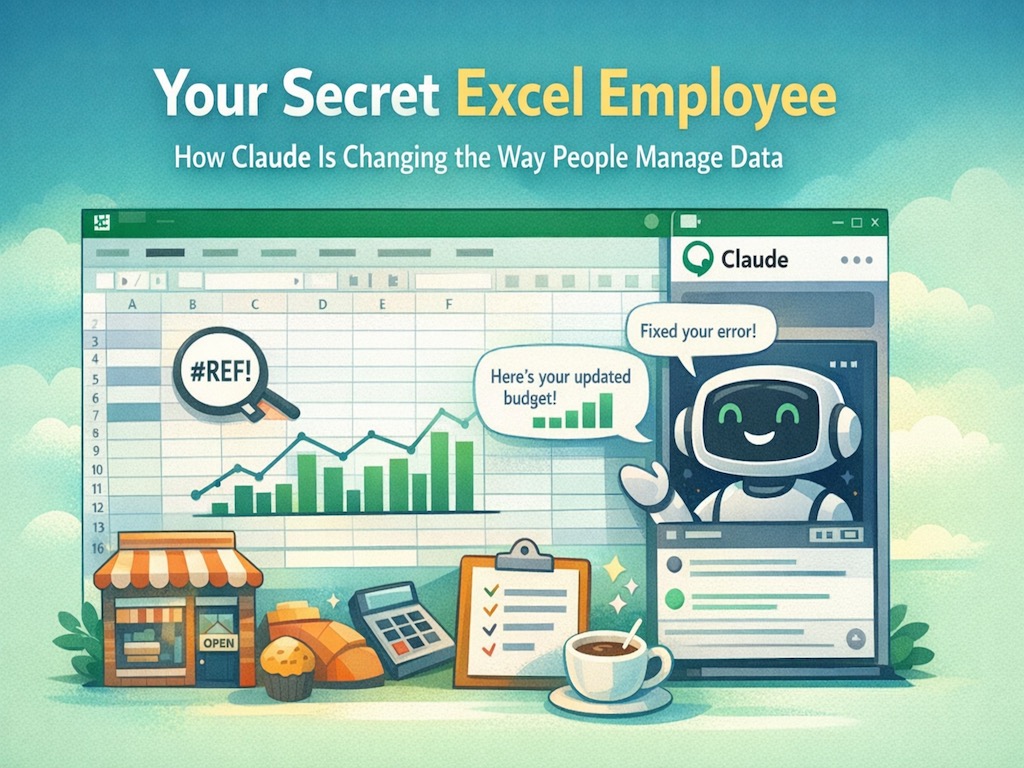
Anyone who has used Excel has encountered cryptic error messages like #REF! or #VALUE!. These messages appear abruptly and rarely explain themselves in helpful terms. For many users, a single error can halt progress for hours.
Claude reduces that friction. You can ask what caused the error and how to repair it. The assistant analyzes the issue and suggests a correction while showing you exactly what it plans to change. Nothing is modified without your approval.
This combination of guidance and control is important. It keeps the user in charge while removing the stress of troubleshooting alone.
Building Systems From Scratch
Beyond explaining and repairing, Claude can create entire spreadsheet systems based on a simple description of your goal. Imagine telling Excel, "Create a monthly cash flow tracker that highlights when expenses exceed revenue." Claude generates the structure, formulas, and charts to make it functional.
For a freelance consultant, that might mean automatically calculating estimated taxes for each invoice. For a retail shop owner, it might involve generating a sheet that identifies slow-moving inventory and suggests discount pricing. For a household, it could mean building a budget that categorizes spending and flags overspending in real time.
This ability to translate plain language into structured logic dramatically lowers the barrier to entry. You do not need to know the exact formula. You need to know what you want the outcome to be.
Smarter Analysis and Scenario Planning
In its 2026 update, Claude expanded its ability to modify pivot tables and apply conditional formatting entirely through conversation. Instead of navigating menus and remembering multi-step processes, users can describe the analysis they need.
A restaurant owner might ask how profit margins would change if ingredient costs rise by 12 percent. A nonprofit might request a summary of donations by quarter. A small retailer could ask to highlight overdue payments in red and calculate total outstanding balances automatically.
These scenario simulations are particularly valuable for decision-making. Rather than manually adjusting cells and double-checking calculations, users can test possibilities quickly and focus on interpreting results instead of constructing them.
Security and Data Protection
When working with financial data, security matters. Claude in Excel operates within the Microsoft 365 framework, following the same security standards as other Office applications. For professional subscription plans, data from spreadsheets is not used to train external AI models.
This means your financial information, payroll data, budgets, and projections remain protected within your organization's environment. Additionally, Claude always shows the proposed changes before applying them, requiring explicit approval before modifying any cell.
The combination of security safeguards and user control helps ensure that convenience does not come at the expense of privacy.
Why This Matters for Everyday Users
For years, artificial intelligence felt like a separate destination. You had to leave your work, open another platform, and copy information into a chatbot. Claude in Excel represents a broader shift toward embedded intelligence. The AI lives where the work already happens.
Spreadsheets are often described as the operating system of small business and personal finance. They store the numbers that guide decisions. When interacting with those numbers becomes easier, the impact extends beyond efficiency. It affects confidence, speed, and accuracy.
The real transformation is not that Excel has become smarter. It is that more people can use it effectively. The technical barrier is lowered. The intimidation factor is reduced. Instead of memorizing functions, users focus on asking better questions.
Whether you manage a growing business, a side hustle, a nonprofit initiative, or your household budget, the ability to describe what you need and see it translated into structured analysis is a meaningful shift.
Spreadsheets have always contained powerful answers. With conversational AI built directly into them, those answers are finally easier to reach.